Exclude yclid and ysclid from URLs
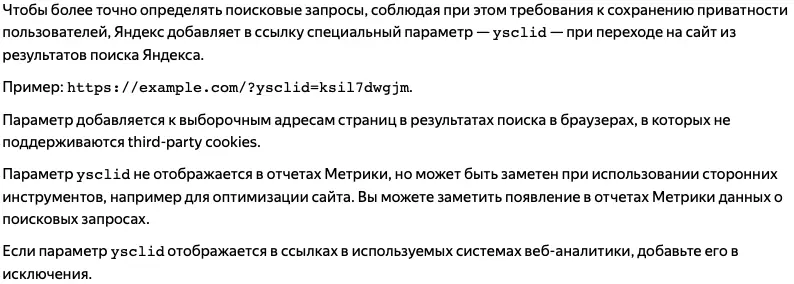
yclid identifies Yandex Direct ad clicks, while ysclid helps Yandex Metrica attribute visits from Yandex organic search when third-party cookies are restricted. If the page content is unchanged, point parameter variants to the clean canonical URL and keep internal links clean. Preserve any identifier needed for attribution before normalizing analytics reports.
yclidtags Yandex Direct ad clicks;ysclidsupports organic search-query attribution;_ym_debugis a Metrica debugging flag.- Each parameter variant is a technically distinct URL, even when it returns the same page content.
- The clean fix is a canonical tag pointing at the parameterless URL, applied site-wide.
- Don't
Disallowthem in robots.txt — that blocks crawling of pages that got the parameter appended. - Filter them out of analytics so sessions group by the real page, not by tracking noise.
Yandex documents ysclid as a parameter added to selected organic search-result URLs in browsers with third-party-cookie restrictions. It helps Metrica recover search-query reporting. Yandex separately documents yclid for Yandex Direct conversion attribution. Neither parameter changes the destination page, but third-party analytics and crawlers can still record the full parameterized URL.
How to report a clean URL in Google Analytics 4
Google Analytics 4 records the complete page URL in page_location. If these parameters fragment your page reports, you can normalize that field through Google Tag Manager. This reporting change does not fix canonicalization for search engines, and it must not discard an ad-click identifier before your attribution setup captures it. Test the implementation against the site’s current consent and conversion-tracking requirements.
First, open your container in Google Tag Manager and go to the Templates section.
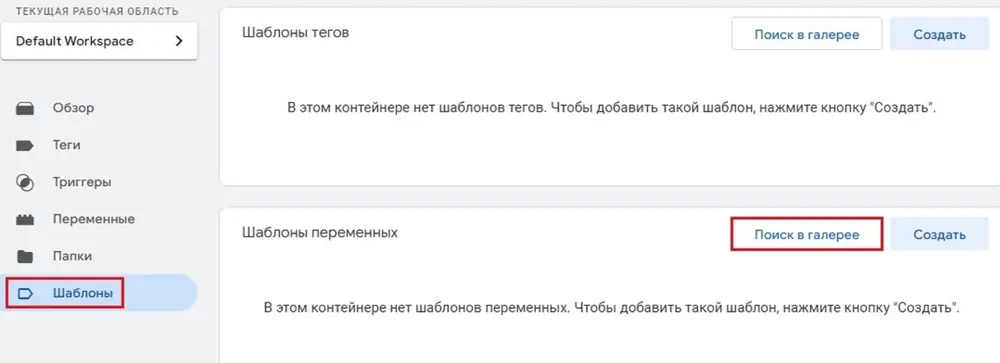
Then use Search Gallery and enter the query Query. The screenshots below show the Query Parameter Stripping Utility workflow available when this implementation was documented. Review any community template’s permissions, maintainer and current behavior before adding it to a production container.


Next, create a new variable to exclude parameters by going to Variables and selecting Query Parameter Stripping Utility.

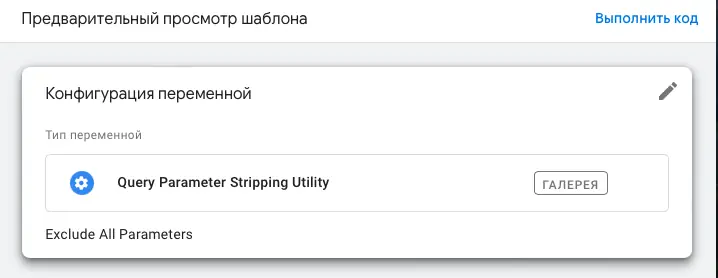
In the window that opens, you will see the following variable settings.
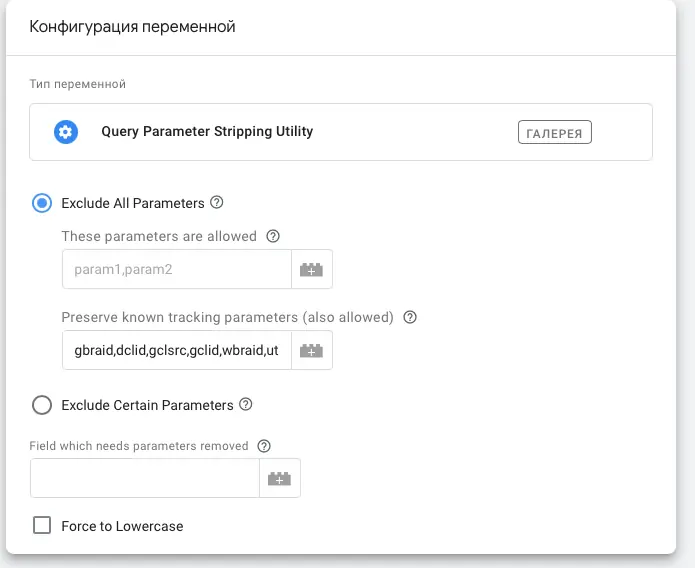
Configure the variable to exclude the required parameters, such as yclid and ysclid, by specifying them in the Only these parameters will be removed field.

Fill Field which needs parameters removed with {{Page URL}}.
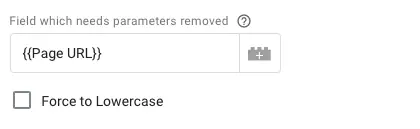
After naming the variable, save it.
To finish, edit the Google tag or GA4 configuration used by the current container and override the page_location parameter with the validated clean-URL variable. Google’s documentation requires a valid URL when this automatically collected parameter is overridden.
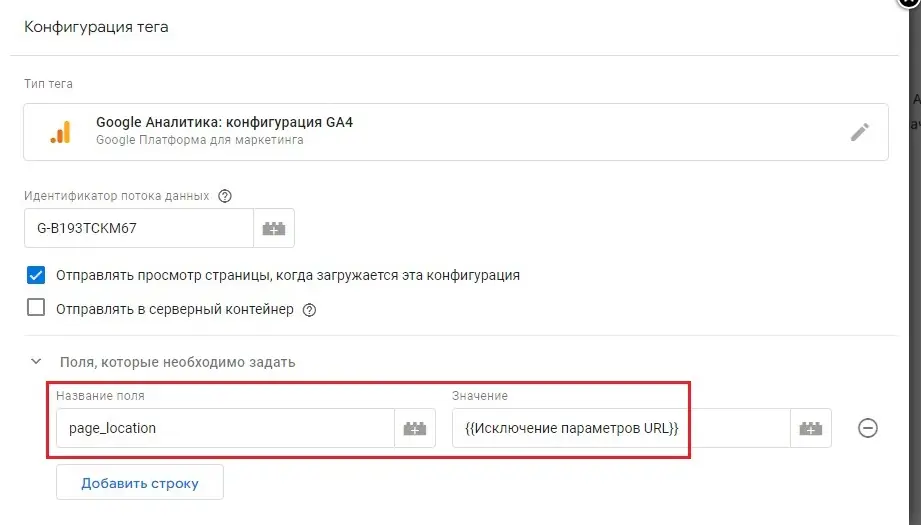
After making the changes, save them and verify that the setup works correctly by launching GTM Preview mode and adding the excluded parameters to your site’s URL.
What is ysclid in a URL?
Should I block yclid and ysclid in robots.txt?
Do these parameters cause a duplicate-content penalty?
Where does _ym_debug come from?
Sources